

PC Upgrade Guide: Should You Prioritize DRAM or SSD?
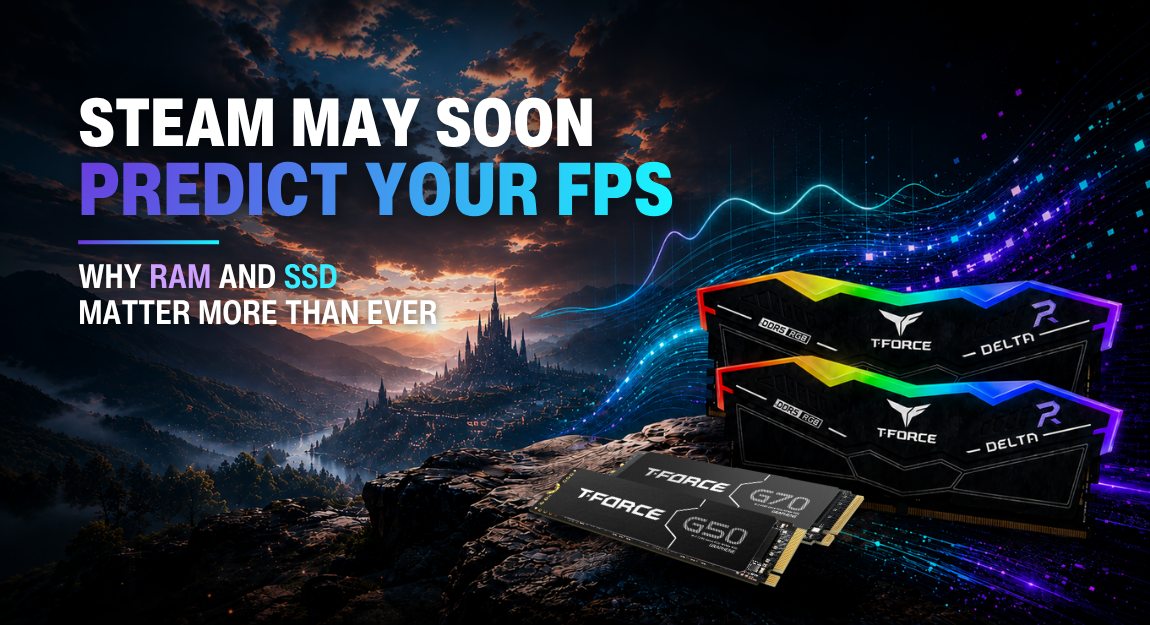
With both memory and SSD prices rising at the same time, many users find themselves hesitating before upgrading their PCs. Should you prioritize upgrading your RAM or your SSD? How can you spend your budget where it matters most?
The answer depends on your usage scenario and your system’s current bottlenecks.
This article will walk you through the roles and impact of both memory and SSDs from a practical perspective, helping you make smarter upgrade decisions.
Table of Contents
- Memory (RAM): The Core of System Smoothness
- SSD: The Key to Speed
- RAM vs SSD: Choosing Based on Your Usage
- Conclusion
Memory (RAM): The Core of System Smoothness
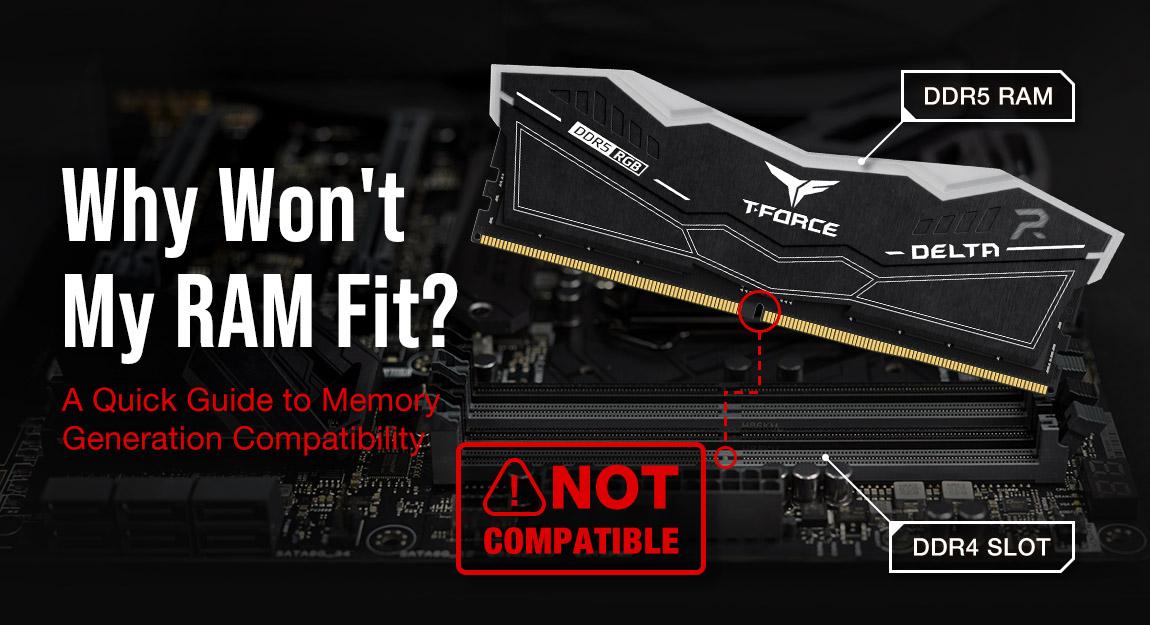
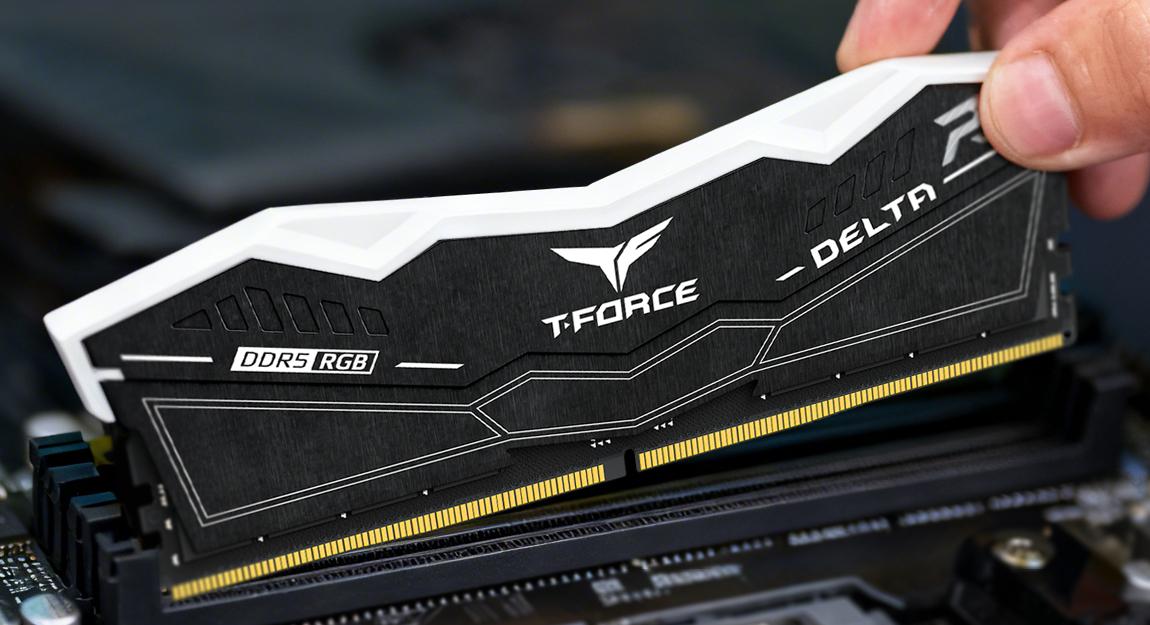
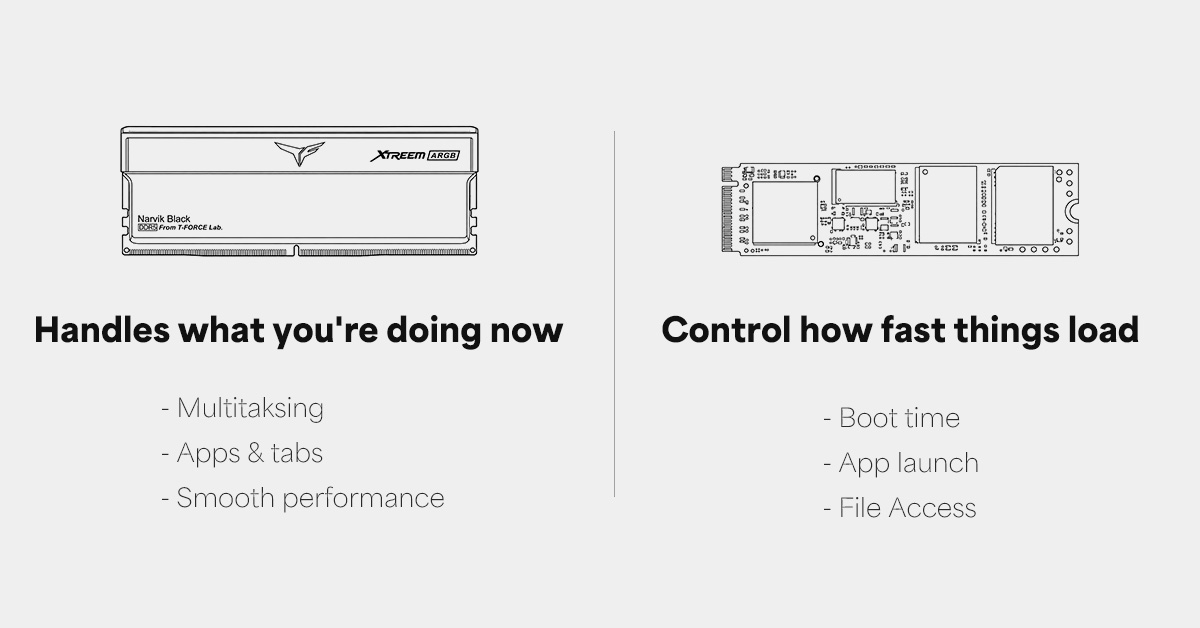
Memory is an essential component for real-time computing. It temporarily stores the programs and data currently in use. When your system runs out of memory, it is forced to move data to storage (virtual memory). Even with an SSD, this is significantly slower than RAM, resulting in noticeable performance drops.
Common scenarios where insufficient memory can cause lag include:
- Opening multiple browser tabs simultaneously
- Multitasking (e.g., attending a meeting while organizing documents)
- Running design software or editing tools
- Experiencing lag or longer loading times during intensive gameplay
Currently, 16GB–32GB is becoming the baseline. For most everyday users, upgrading to 32GB provides enough headroom to noticeably improve multitasking and overall responsiveness. For gamers and content creators, 64GB or more ensures better stability and performance under heavy workloads.
SSD: The Key to Speed
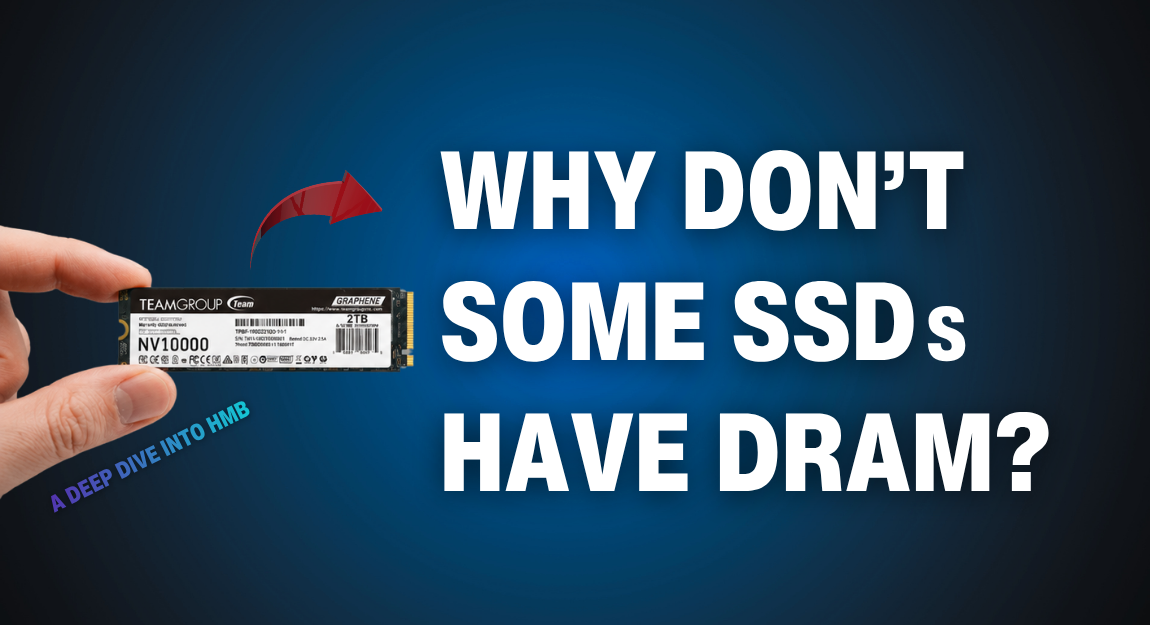
Compared to memory, an SSD primarily affects data read/write speed, essentially how“fast” your system feels. From boot times to application launches and file access, SSD performance plays a major role.
If you are still using a traditional HDD as your system drive, upgrading to an SSD will bring dramatic improvements, such as:
- Much faster boot times
- Quicker application launches
- More responsive system performance
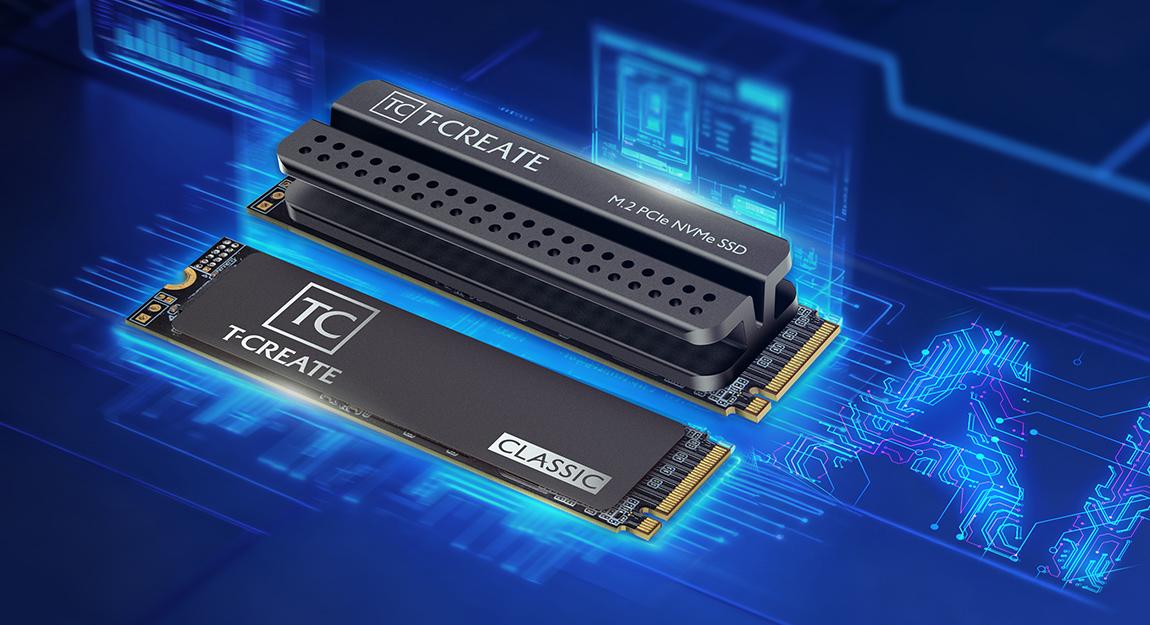
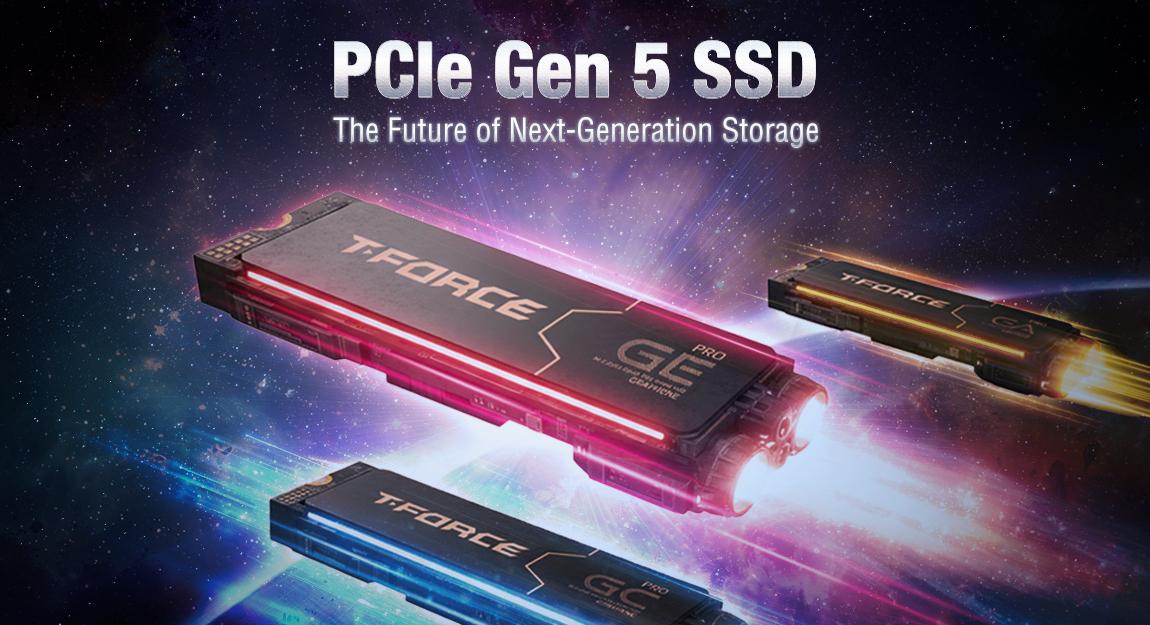
If you already have a SATA SSD, upgrading to an NVMe SSD can further increase bandwidth and transfer speeds, especially noticeable when working with large files, loading games, or handling professional workflows. In short, SSD determines waiting time, significantly improving overall responsiveness.
RAM vs SSD: Choosing Based on Your Usage
From a system perspective, RAM and SSD are not interchangeable, they complement each other, SSD improves data access speed, RAM enhances smoothness and system stability
When working with a limited budget, your upgrade decision should be based on real-world usage, not just specs.
| Common Issues | What we recommend |
| Frequent lag or poor multitasking | If switching between apps is slow or multiple tabs cause lag, your RAM is likely insufficient. Upgrading memory will provide the most direct improvement. |
| Slow boot or long loading times | If your system takes a long time to start or apps load slowly, your storage is likely the bottleneck. Upgrading to a faster SSD will deliver the most noticeable improvement. |
| Still using an HDD | Regardless of memory capacity, an HDD as the system drive will limit overall performance. Upgrading to an SSD should be your top priority. |
| Already have an SSD, but both storage and memory are limited | Ensure your OS is installed on an SSD for faster boot times, then upgrade to at least 16GB of RAM and scale up as needed. |
In short, always target your most obvious performance bottleneck to maximize the impact of your upgrade.
Recommended upgrade order:
- Ensure your system drive is an SSD (upgrade from HDD if needed)
- Upgrade memory to at least 16GB
- Then consider faster SSDs (e.g., NVMe) or higher memory capacity
Conclusion
With rising prices for both RAM and SSDs, chasing high specs blindly isn’t the smartest approach. Instead, focus on your actual needs.
Understanding the roles of memory and SSDs, and upgrading based on your current pain points, will help you spend your budget more effectively. And choosing the right upgrade at the right time allows your PC to reach its full potential while delivering the best possible user experience.
RELATED Blog
1
9