

Tips for Buying Memory: The Qualified Vendor List (QVL)
Building a new PC or upgrading your memory often starts with excitement over capacity and speed. But for a system that stays reliable over time, the secret is not just raw power. It lies in the harmony between your hardware, your motherboard, and your CPU. The Qualified Vendor List (QVL) is the most reliable tool you have to confirm this compatibility.
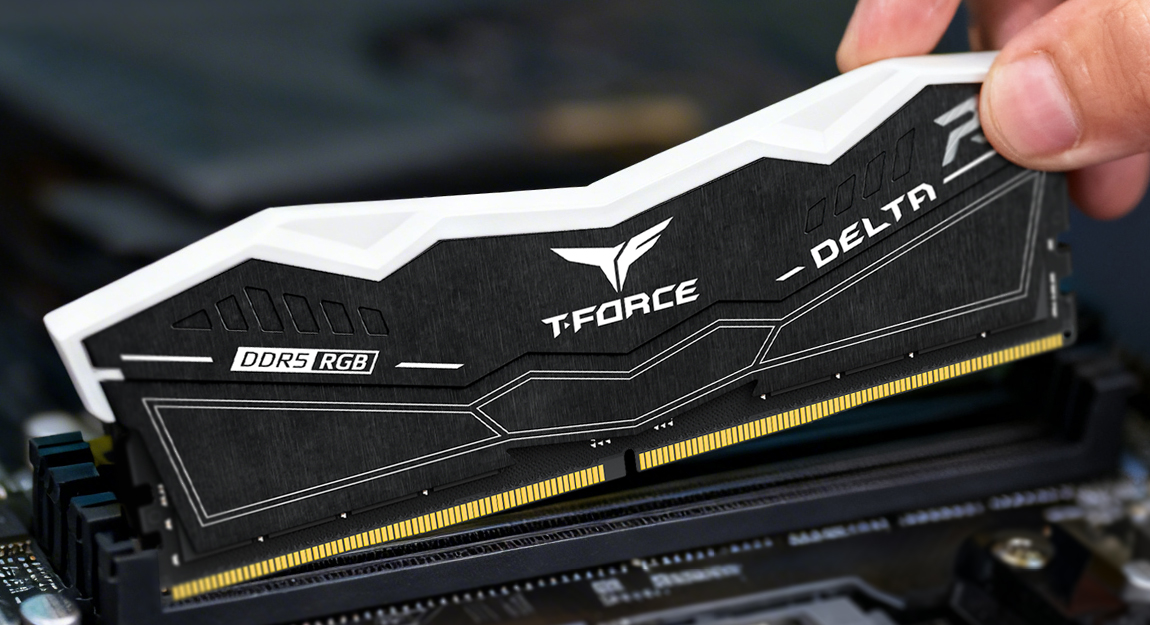
Table of Contents
What is a QVL?
Think of a QVL as a verified compatibility database provided by motherboard and system makers. It lists hardware models that have passed tests to confirm they work without a hitch. These lists cover memory, SSDs, and CPUs. Manufacturers build these records before a product launch or during BIOS updates to document exactly which memory setups work. These tests check for several things:
- Seamless Booting: The system successfully passes the Power-On Self-Test (POST) without errors.
- Profile Accuracy: One-click overclocking features like XMP or EXPO function at their rated speeds.
- Heavy-Duty Stability: The hardware remains stable during intense stress testing.
- Physical Optimization: Performance is confirmed across different slot layouts (1DPC/2DPC).
Why Check a QVL Before Buying Memory?
Checking the list helps you find hardware combinations that are proven to work on a specific setup. Memory is technically complex. Modules that are not tested might cause your PC to fail at startup or crash randomly. Here’s why checking a QVL can save you time and unnecessary stress:
Eliminating the Guesswork
Every memory stick is unique. They use different internal designs, chips, timing settings, controllers, and firmware. Even if they look similar on paper, internal differences can be a source of trouble.
A motherboard manufacturer’s QVL verifies that the parts have been through actual testing and proven to complete the boot process (POST) and initialization (e.g.memory training). So it reduces the chances of boot failures, system anomalies, and blue screens.
Long-Term Stability
For gamers, video editors with heavy multimedia requirements, or those running a NAS (network-attached storage), stability is everything. Verified parts prove the modules can sustain rated speeds under heavy loads (e.g., XMP or EXPO) while maintaining reliable performance.
This saves you the stress of troubleshooting during long or high‑load runs, as unverified hardware combos can lead to errors or degrade performance under continuous operation. On the other hand, selecting a configuration based on QVL‑approved parts reduces crashes, odd glitches, and costly troubleshooting.
How to Check a QVL?
You can find these lists in two ways:
- Motherboard Manufacturer Sites: Visit the official sites of brands like MSI, ASRock, GIGABYTE, ASUS, and BIOSTAR.
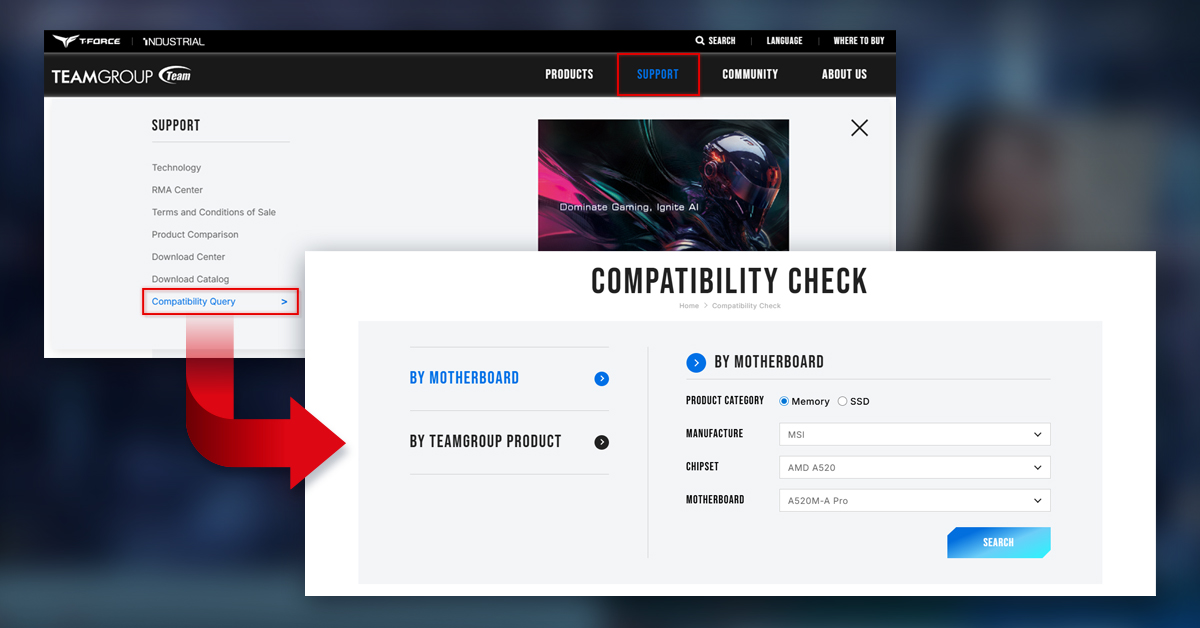
- TEAMGROUP: Head over to the TEAMGROUP website > Support > Compatibility Query. From there, you can search based on your motherboard or TEAMGROUP product.
Conclusion
A QVL acts as a safety net for your investment, especially for high‑integration parts like memory and SSDs. It helps you quickly find verified, compatible combinations and reduce incompatibility risks right from the start.
It’s impossible for manufacturers to test every single kit on the market, which means that an unlisted module may still operate as intended, although it might need more adjustments or incur further costs over time. Selecting QVL‑verified parts is your best route to a stable and powerful system. And for advanced users, understanding platform characteristics also has the added benefit of exploring a wider range of configuration possibilities.
RELATED Blog
1
9