

Why Won't My RAM fit? A Quick Guide to Memory Generation Compatibility
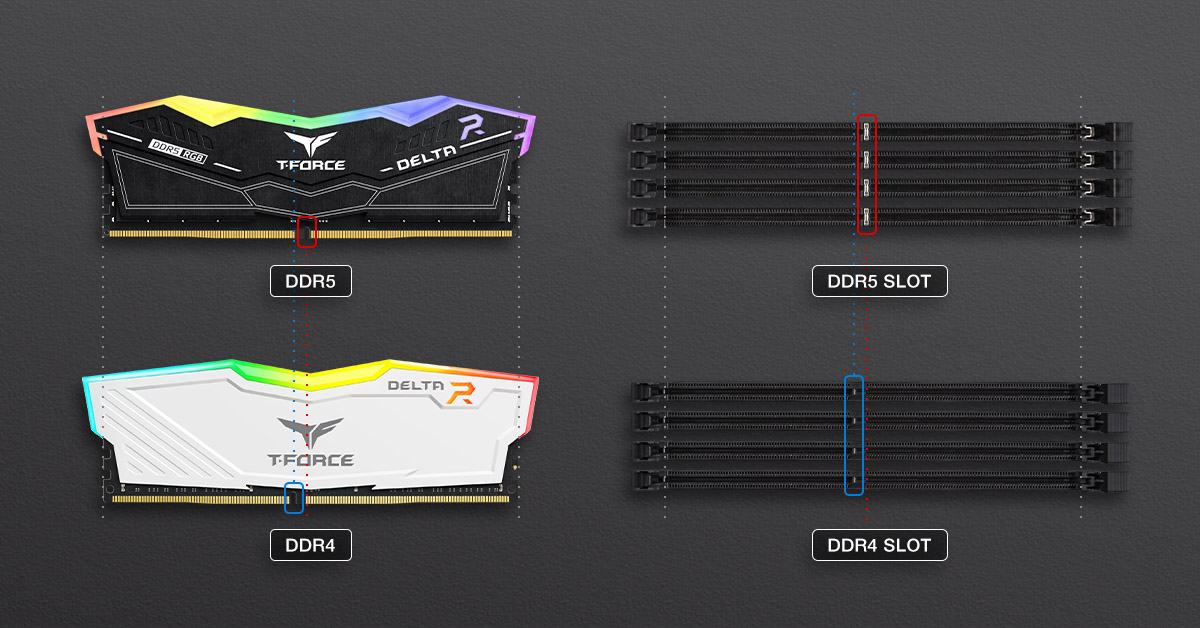
💡 Key Concept: Many beginners fail to notice that the gold finger notches on different generations of memory and the slots on different generations of motherboards are not the same. You must match the gold fingers and slots from the same generation to install them successfully!
Why such a strange design? Actually, the varying positions of the memory notches serve as a foolproof mechanism. Even though the physical architectures across generations look similar, the operating voltage and the gold finger routing and design are totally different. Changing the notch position physically prevents incorrect insertion, saving your beloved hardware from getting fried.
What RAM Should I Buy for My Intel Build?
Memory support for Intel systems is relatively complex, because on the 600 and 700 series motherboards, manufacturers released different versions supporting both DDR4 and DDR5 at the same time. Here's a quick reference table:
| Motherboard | RAM Generation | CPU Generation |
|---|---|---|
| H510 / B560 / Z590 | DDR4 | Intel 10th /11th Gen |
| H610 / B660 / Z690 (DDR4) | DDR4 | Intel 12th / 13th / 14th Gen |
| B760 / Z790 (DDR4) | DDR4 | Intel 12th / 13th / 14th Gen |
| H610 / B660 / Z690 | DDR5 | Intel 12th / 13th / 14th Gen |
| B760 / Z790 | DDR5 | Intel 12th / 13th / 14th Gen |
| H810 / B860 / Z890 | DDR5 | Intel Core Ultra Series 2 |
Since the 600 and 700 series boards each come in multiple memory variants, the quickest way to determine which memory module to buy is to check if the motherboard name contains 'DDR4' or 'D4'. If you don't see it, it's most likely a DDR5 board.
The safest and most conservative approach is still to check the motherboard's packaging, or search online using the motherboard model number to confirm whether it supports DDR4 or DDR5 memory.
What RAM Should I Buy for My AMD Build?
Compared to Intel systems, AMD systems are stricter in their product tiering, meaning you won't find motherboards within the same generation supporting more than one memory generation. This makes selecting memory much simpler!
| Motherboard | RAM Generation | CPU Generation |
|---|---|---|
| A520 / B550 / X570 | DDR4 | Ryzen 3000 / 4000 / 5000 Series |
| A620 / B650 / X670 | DDR5 |
Ryzen 7000 / 8000 / 9000 Series |
| B840 / B850 / X870 | DDR5 | Ryzen 7000 / 8000 / 9000 Series |
Summary
Whether your memory can be successfully installed into the motherboard depends on "generation compatibility." Before buying, always make sure to confirm whether your motherboard and processor support DDR4 or DDR5 memory. By mastering three simple tricks, checking the packaging, checking the product name, and looking up specifications online, you can completely avoid the awkward situation of buying incompatible RAM that won't fit!
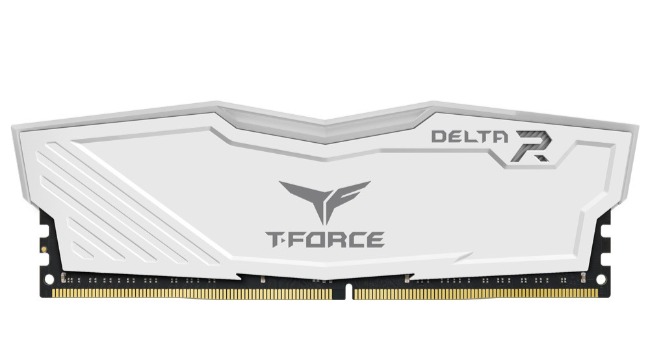
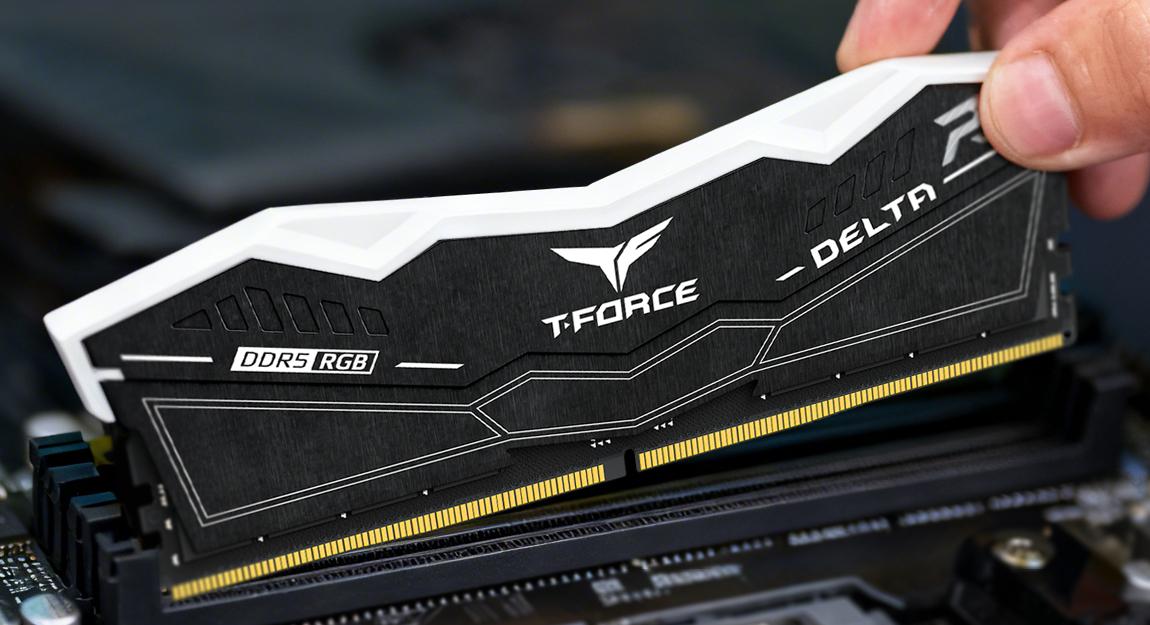
T-FORCE DELTA RGB DDR5