

A Beginner’s Guide: External vs. Internal SSDs
As data volumes grow and the demand for high-speed transmission increases, solid-state drives (SSDs) have become the go-to storage solution. Even so, many consumers still ask: what is the difference between an external and internal SSD, and how do I choose one that fits my needs?
Today, we’ll provide a quick guide on performance, installation methods, and use cases to help you decide.
Today, we’ll provide a quick guide on performance, installation methods, and use cases to help you decide.
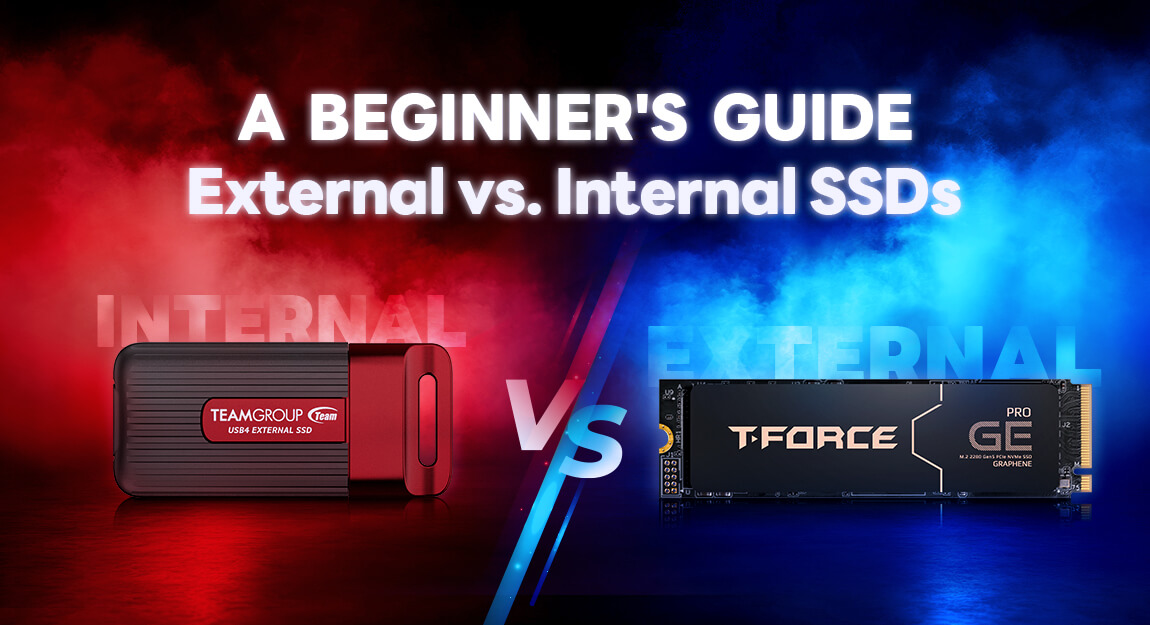
Table of Contents:
- Internal SSD
- External SSD
- Performance Comparison: Which Is Faster?
- Which One Should You Choose?
- The Upshot: Function Over Form
Internal SSD
An internal SSD is a storage device that is directly installed inside the computer and connected to the motherboard. These drives usually come in 2.5-inch SATA SSD or M.2 NVMe formats. Because they communicate through SATA or PCIe channels, the data transmission path is shorter. This results in lower latency, higher stability, and faster data transfer speeds.Key Features:
- Direct motherboard connection for peak performance.
- Ideal for PC gaming and PlayStation storage.
- Requires opening the device case for setup.
- Limited expansion options for some laptops.
External SSD
External SSDs connect via USB or Thunderbolt ports to work with computers, tablets, and other hardware. While they use the same core flash technology as internal drives, they include a bridge chip and a protective housing for portable storage.Key Features:
- Plug-and-play setup without hardware disassembly.
- Works across different platforms like Windows, macOS, and Linux.
- Performance is limited by the external interface and controller chip.
- Perfect for moving data and on-the-go video editing.
Performance Comparison: Which Is Faster?
Technically, internal SSDs hold the advantage when it comes to speed and responsiveness.| Type | Common Interfaces | Read/Write Speed |
| Internal NVMe SSD | PCIe 3.0/4.0 | Approx. 3,000–7,000+ MB/s |
| Internal SATA SSD | SATA III | Approx. 500–600 MB/s |
| External SSD | USB4/Thunderbolt | Approx. 2,000–4,000 MB/s |
| External SSD | USB 3.2 Gen 2 | Approx. 1,000 MB/s |
Even high-end portable SSDs struggle to fully match the low latency of an internal NVMe SSD. For system boot times and heavy workloads, internal drives remain the top choice.
Which One Should You Choose?
An internal SSD works well if you need:
- A drive for your operating system and main apps.
- High performance for gaming, 3D rendering, or professional video work.
- The lowest possible latency.
- A permanent PC upgrade.
Consider an external SSD if you need:
- To move and share files between different devices.
- A portable backup system for travelers and mobile professionals, ideal for photographers and editors who need secure backups and mobile post-production.
- Laptop storage expansion without opening the case.
- The convenience of plug-and-play/instant setup.
The Upshot: Function Over Form
The choice between internal and external SSDs depends on your specific goals. If speed and system responsiveness are your priorities, an internal drive is the way to go. If you need flexibility and portability, an external drive is the better option.
That's all for today! If you want to stay updated on the latest storage technology and hardware tips, be sure to follow us. See you in the next post!
RELATED Blog
1
9
05.Sep.2025
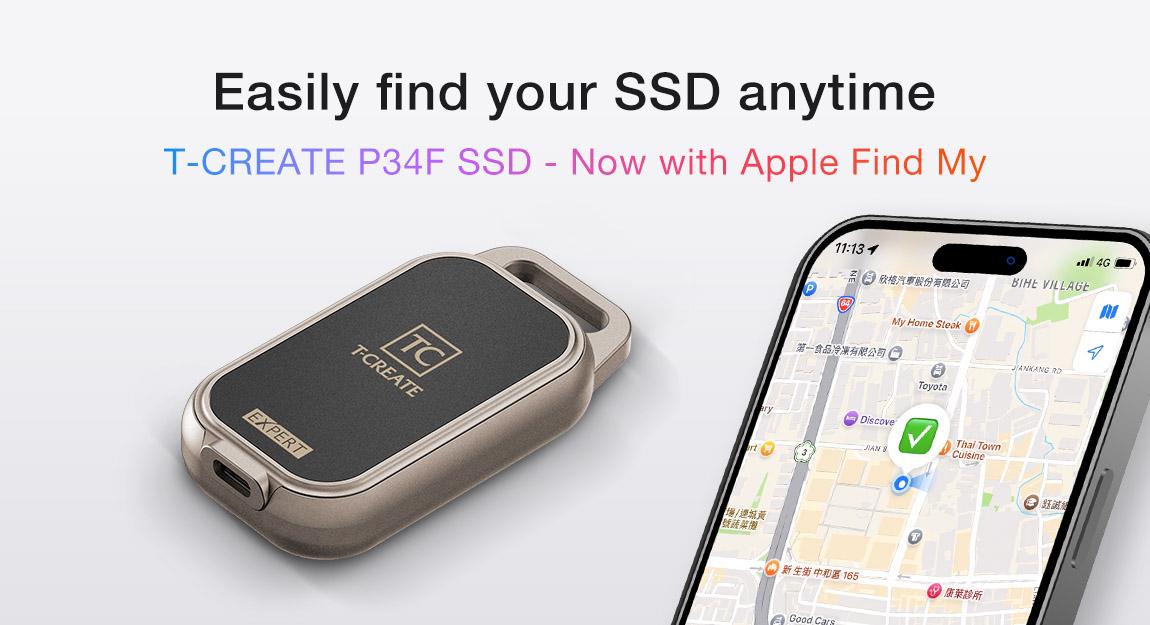
T-CREATE P34F: The SSD with Apple Find My
24.Jul.2025